BgCam blurs or replaces the room behind you in videos and photos, records your screen with a floating face-cam bubble, and lets you trim and caption the result. All on your phone.
Android 11 or newer · Version 1.1.0
Made for teachers, coaches and creators who explain things on camera or on screen and don't want to edit on a computer.
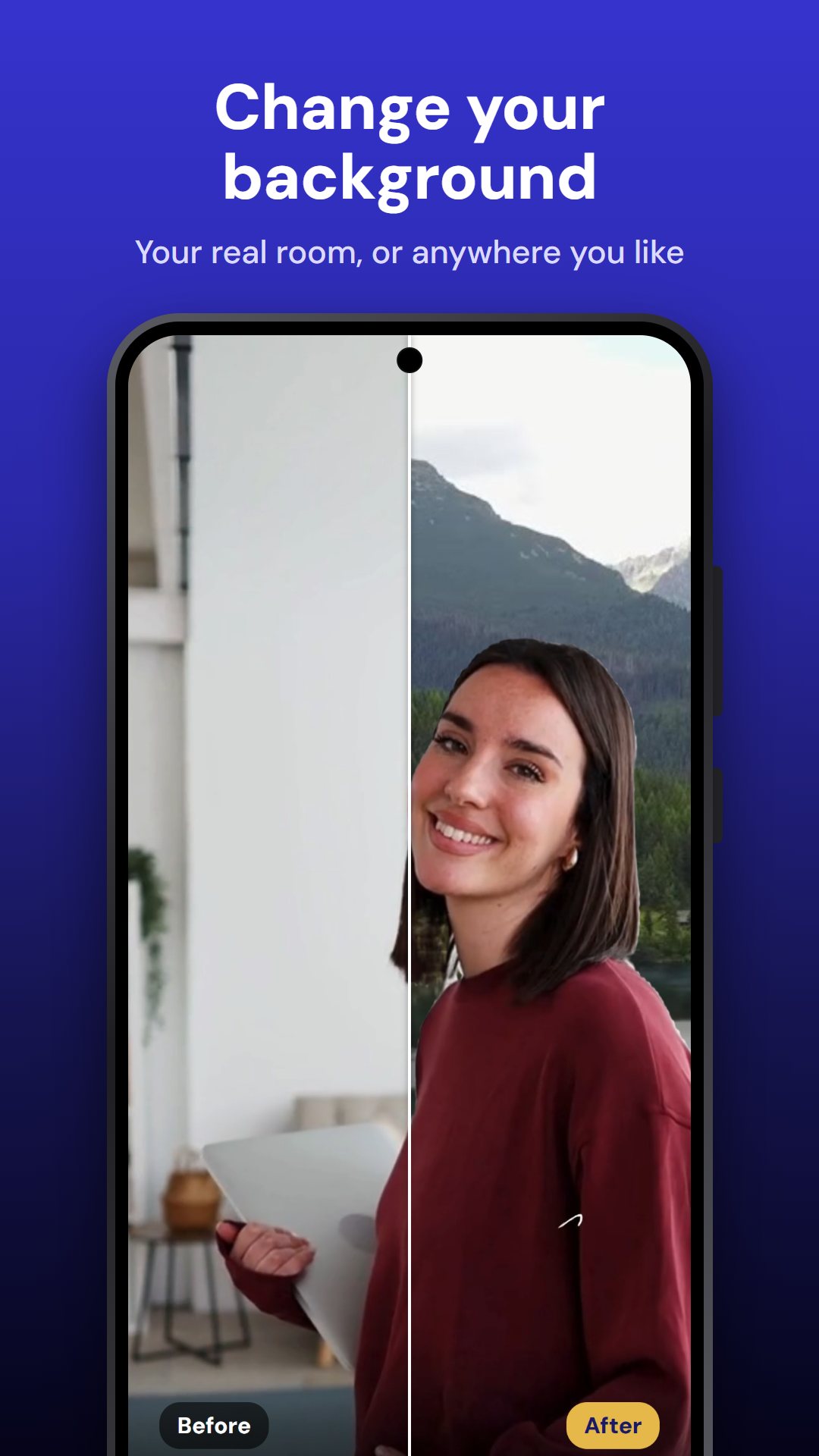
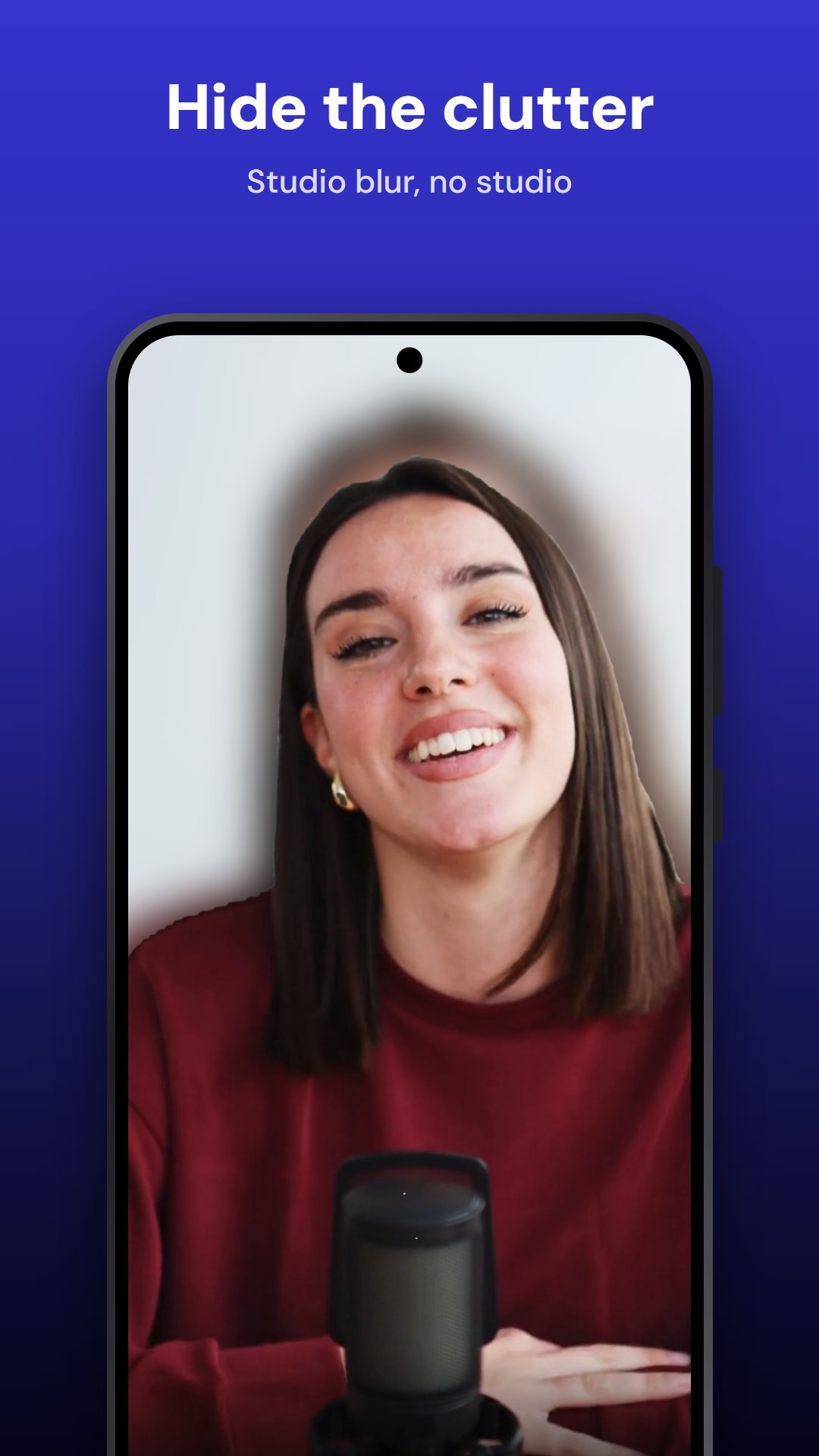
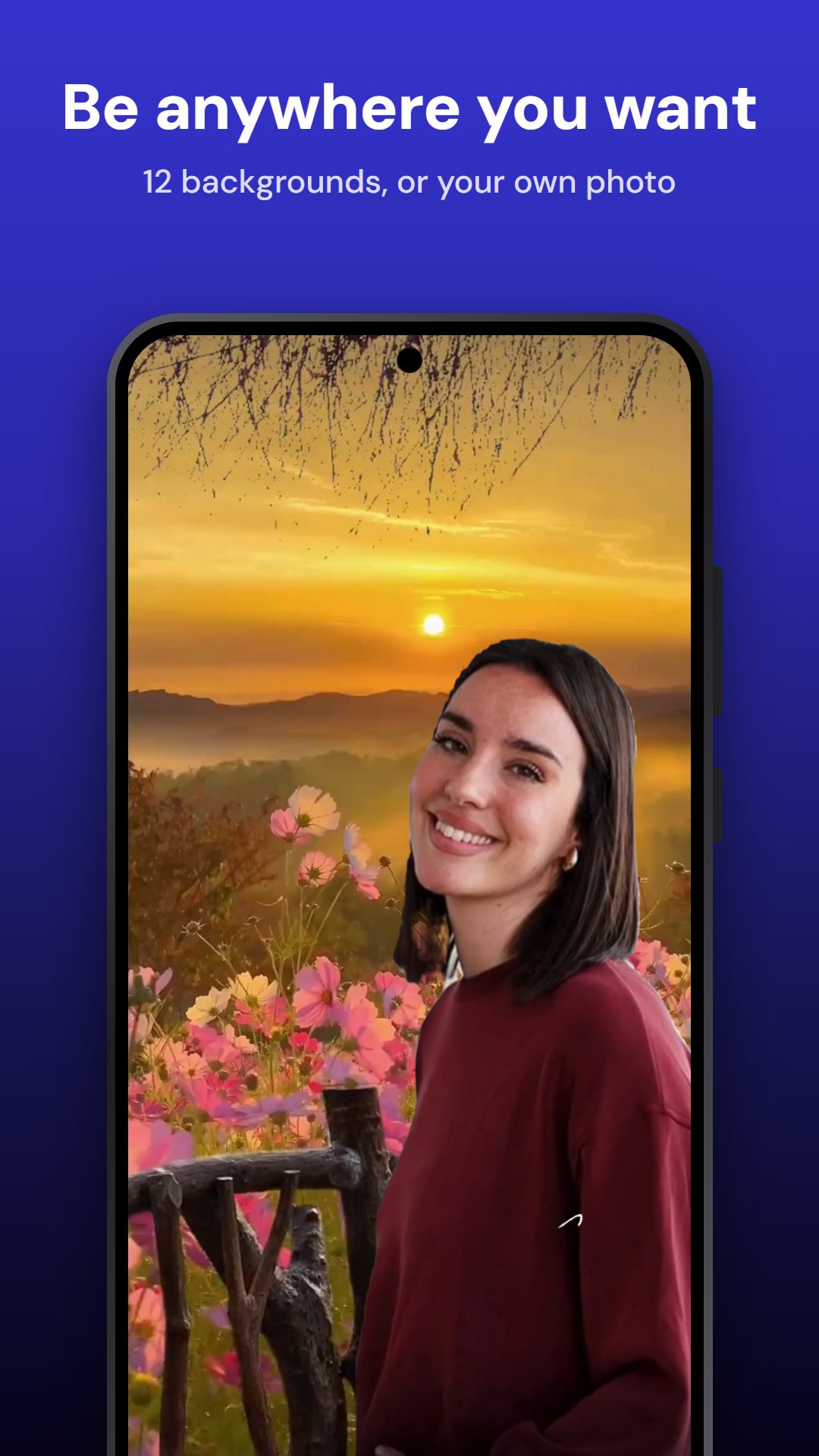
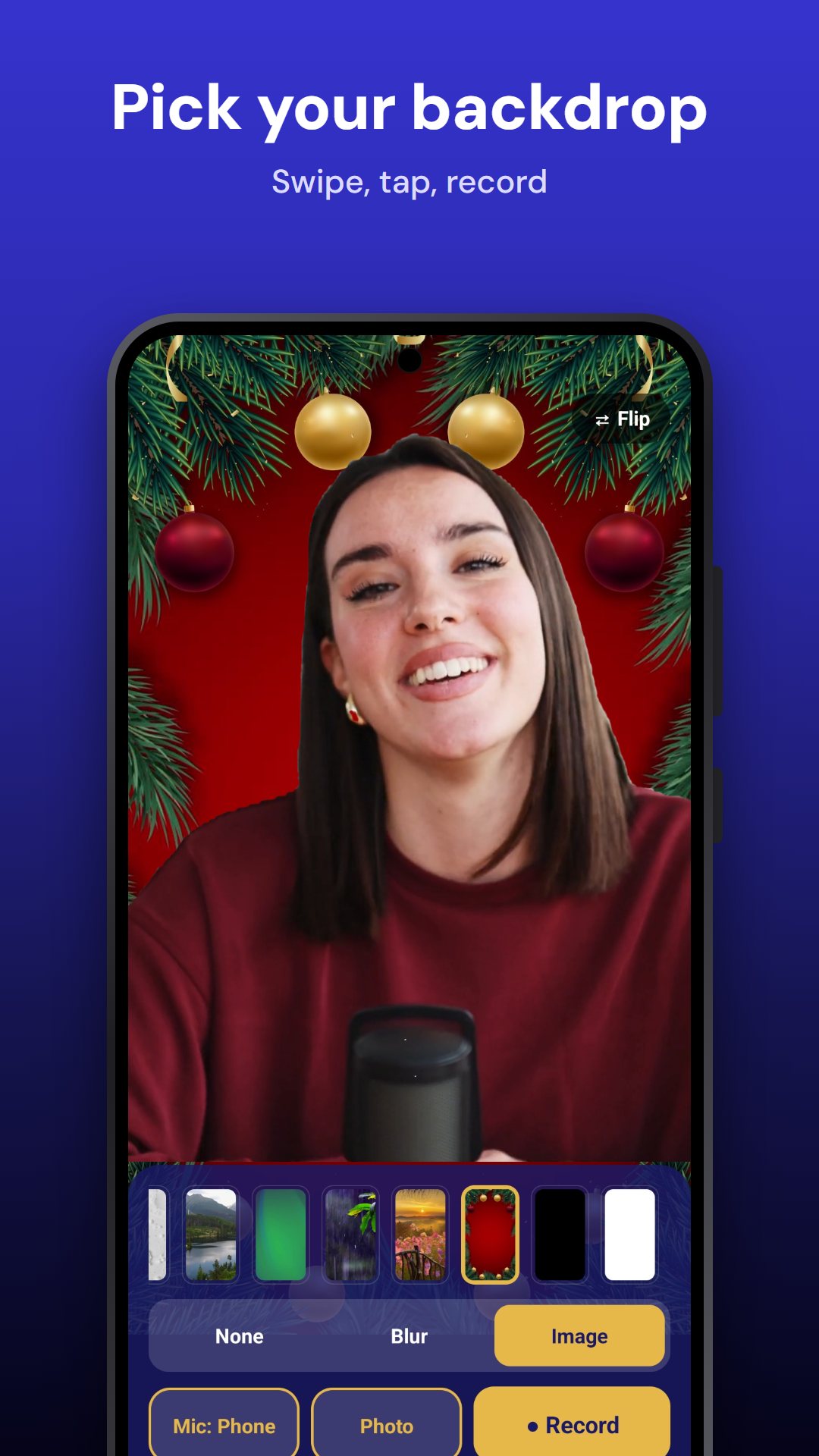
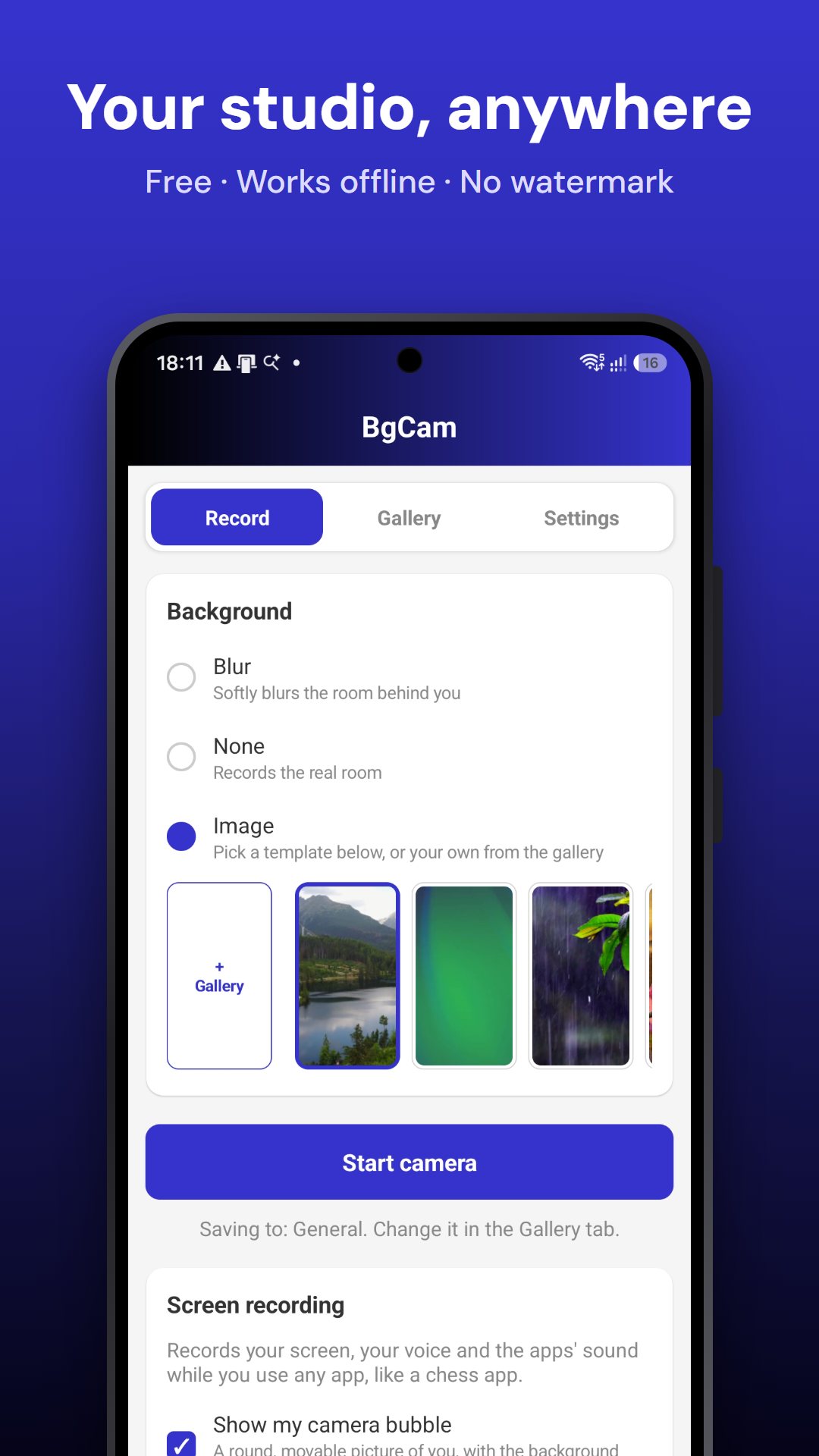
Keep the real room, blur it softly, or put a picture behind you: one of 12 templates or your own from the gallery. Live, while you record.
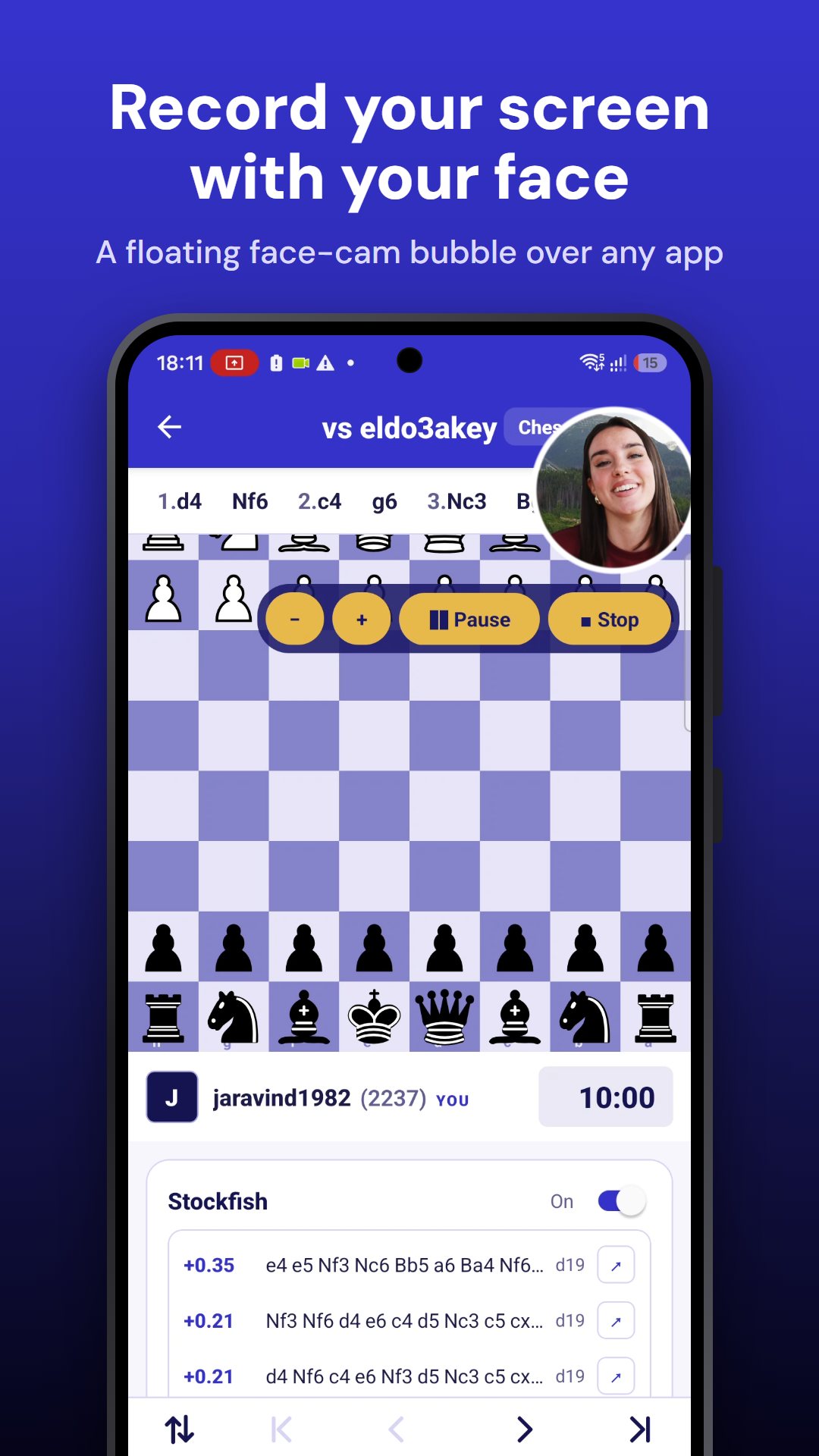
Record any app with your voice and the app's own sound, then pause and resume. A countdown gives you time to open what you want to show.
Your camera in a round bubble over every app, with your chosen background. Drag it anywhere, and pick Small, Medium or Large, or resize with − and +.
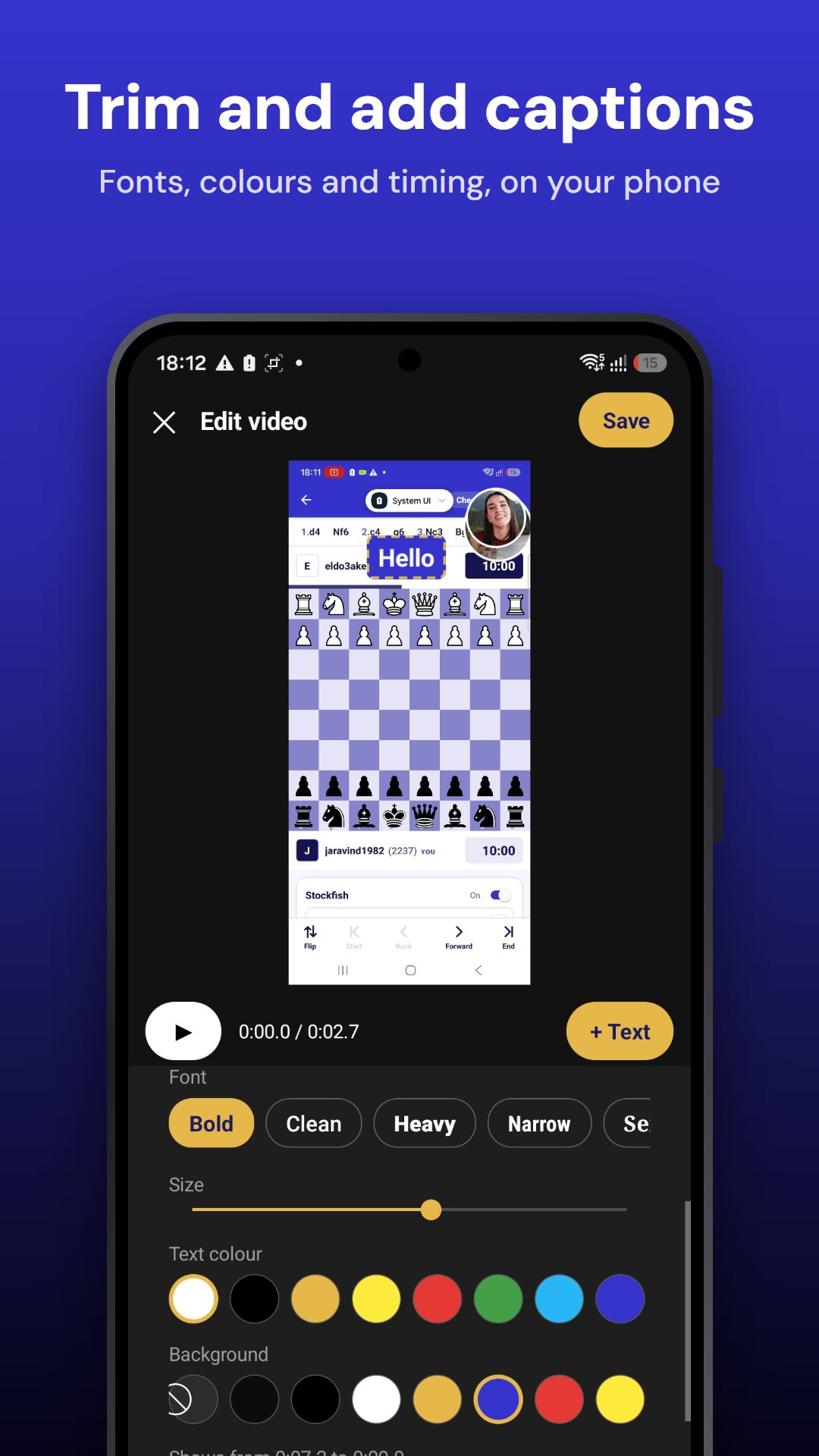
Cut the start and end, and add as many captions as you like, each with its own font, size, colour, background and timing. The original is kept.
Photos up to 4K with the same background effect, plus front and back camera.
Keep videos and photos in your own folders. Share, move or delete several at once.
Great for app demos, lessons and walkthroughs, like explaining a chess game.
Blur, none, or a picture: the bubble uses it too.
Android asks you to confirm. Recording begins after your countdown.
Your bubble floats on top. Tap it for − / +, Pause and Stop. The notification has Pause and Stop too.
Or simply blur the room behind you.








What BgCam does to an ordinary room.
The background is changed on your phone. BgCam doesn't even have permission to use the internet, so nothing you record can be uploaded by it.
BgCam asks for no internet permission. Your videos and photos never leave your phone unless you share them.
No sign-up, no email, no login. Open it and record.
No advertising, no analytics and no tracking tools inside the app.
Read the full Privacy Policy.
Free on Google Play. Android 11 or newer.
Google Play keeps BgCam up to date automatically.
Yes. There are no ads, no watermark and no account.
To record you, with your voice. The background is changed on your phone, frame by frame.
It lets your face-cam bubble and the countdown show over other apps during a screen recording. It's only needed if you use the bubble.
Yes, mixed with your voice, for apps that allow it. Some apps (for example some video and banking apps) block recording of their sound; then only your voice is recorded.
In your phone's Movies/BgCam folder (photos in Pictures/BgCam), in the folder you choose in BgCam. Your gallery app shows them too.
Android 11 or newer with a front camera. It's tested on Samsung Galaxy phones.
 BgCam